Practical AI Workflows for Local Businesses That Can Save 5 Hours a Week
Most local businesses do not need a flashy AI strategy. They need time back. They need fewer repetitive admin tasks, faster first drafts, cleaner internal handoffs, and better follow-through on the routine work that keeps marketing, sales, and operations moving. That is where practical AI earns its keep.
The mistake many owners make is treating AI like a big transformation project. That is usually the wrong target for a local business. The better play is smaller and more disciplined. Find the repeatable tasks that eat 20 minutes here, 30 minutes there, an hour at the end of the week, then build simple workflows around them. Modern AI tools are already being positioned for drafting, summarizing, spreadsheet analysis, inbox assistance, and scheduled recurring tasks inside mainstream platforms like ChatGPT, Google Workspace, and Microsoft 365.
For local operators, that means you do not need to invent something exotic. You need five solid workflows that remove friction and put your team back on mission.
Why Local Businesses Benefit Most From Simple AI Execution
A local company usually does not lose time in one dramatic place. It loses time in the daily grind. Rewriting the same emails. Summarizing missed calls or meetings. Pulling action items from notes. Turning raw spreadsheet data into something usable. Drafting social captions, estimate follow-ups, or internal checklists from scratch every single time.
That is why practical AI works so well at the local level. The tools now commonly support summarizing, generating drafts, analyzing spreadsheet data, and recurring task assistance across the platforms many businesses already use. Google positions Gemini in Docs, Gmail, and Sheets around drafting, summarization, and analysis, while Microsoft describes Copilot in Teams and Microsoft 365 around recaps, drafting, and workflow support. OpenAI also documents scheduled tasks and general ChatGPT workflows for routine work.
That is good news for local businesses because it means the fastest wins usually come from using AI inside existing operations, not building a separate AI department.
Workflow 1 - Turn Missed Calls, Meetings, and Notes Into Action Items Fast
A lot of local businesses bleed time after the meeting, not during it. Somebody has to turn rough notes into clear next steps, assign owners, and create a follow-up email that actually gets sent.
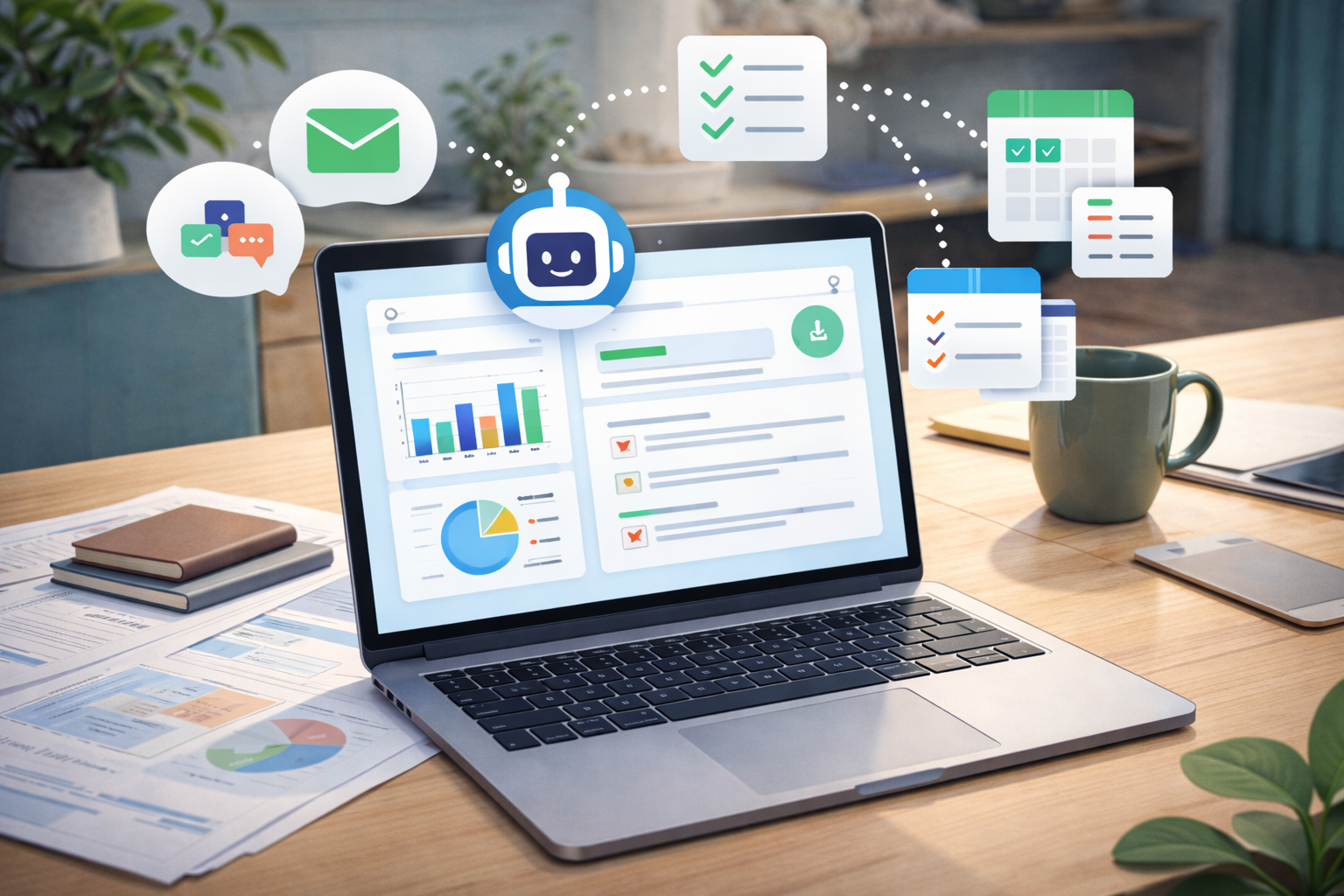
This is one of the easiest AI wins. Feed in your meeting notes, sales call notes, or jobsite notes and have AI produce three outputs at once: a short summary, a bullet list of action items, and a client-facing follow-up draft. Microsoft highlights recap and insight features in Teams, and Google promotes summarization and drafting inside Workspace apps for exactly this kind of work.
For a local business, the payoff is simple. The owner or manager stops spending 25 minutes cleaning up notes after every conversation. That time gets compressed into a fast review and send.
Workflow 2 - Build First-Draft Marketing Content From What You Already Know
Most local marketing gets delayed because the business is waiting on a blank page. Blog posts, service page updates, review response templates, ad variations, email promos, and social captions all stall because someone has to draft version one.
AI is strongest when it is used to create a first draft from real company inputs, not generic internet sludge. Feed it your service details, past offers, customer FAQs, and tone guidance. Then have it generate the first pass. Google explicitly frames Gemini in Docs and Workspace around drafting and synthesizing content, and OpenAI’s business-facing materials emphasize generating real work products rather than just answering questions.
That does not remove human judgment. It removes blank-page drag. For local teams, that can save hours every week across marketing alone.
Workflow 3 - Use AI to Clean Up Your Inbox and Speed Up Replies
Inbox clutter is one of the biggest silent time-killers in a local business. Estimate requests, vendor messages, scheduling changes, customer questions, internal threads, and “just checking in” emails stack up fast.
This is where AI can act like a disciplined junior assistant. Use it to summarize long threads, identify the key question, draft a response in your voice, and separate messages into categories like urgent, waiting on customer, internal follow-up, and archive. Google promotes Gemini in Gmail for summarizing threads, finding key details, and drafting professional emails, while Workspace guidance also notes that Gemini can pull context from connected files and communications.
For a local operator, this is not about sounding robotic. It is about moving faster on routine responses so the real attention goes where it matters most.
Workflow 4 - Turn Spreadsheet Data Into Weekly Business Insight
A lot of local businesses already have the data they need. It is just trapped in spreadsheets nobody wants to interpret. Lead logs, estimate pipelines, close rates, call volumes, job profitability snapshots, and customer lists are often sitting there unused because turning raw rows into insights takes time.
AI can help summarize spreadsheet content, identify trends, categorize information, and surface key findings in plain language. Google specifically describes Gemini in Sheets and the AI function in Sheets as tools for summarizing information, generating insights, and answering questions about spreadsheet data. Microsoft also positions AI in Excel and business tools around analysis and reporting support.
For a local business, this can become a standing weekly workflow: drop in updated numbers, ask for top trends, bottlenecks, and action recommendations, then review. That is faster than manually building a summary from scratch every Friday.
Workflow 5 - Schedule Recurring AI Tasks for Routine Research and Prep
The strongest workflow is often the one that runs on a schedule. Instead of asking AI manually every time, set up recurring tasks for work that repeats every week.
That might include a Monday competitor snapshot, a weekday industry news brief, a weekly content idea list, or a Friday summary of open items from your team notes. OpenAI’s task guidance describes scheduled recurring prompts for things like daily briefings, and Microsoft is increasingly framing Copilot around more embedded, multi-step work patterns inside its ecosystem.
This matters because local businesses win by consistency. A workflow that saves 15 minutes but runs five times a week is more valuable than a fancy one-off demo that never gets used again.
Who Should Start With These AI Workflows First
The best candidates are local businesses with lean teams and repeated communication cycles. Home service companies, law firms, med spas, clinics, real estate groups, contractors, roofers, restoration companies, local retail operators, and multi-location service businesses all fit the profile. If your team is constantly writing, summarizing, replying, tracking, and reporting, there is almost certainly five hours of recoverable time sitting in the system already.
The rule is simple. Start where repetition is highest and judgment risk is lowest. Use AI for first drafts, summaries, categorization, and prep work. Keep final decisions, approvals, and customer-critical accuracy under human control.
Common Questions About Practical AI for Local Businesses
Will AI actually save five hours a week for a small business?
It can, especially when it is applied to repeated admin work like summaries, drafting, inbox handling, and reporting. The savings usually come from stacked small wins, not one giant automation.
Do these workflows require expensive custom software?
Not always. Many current AI features are already built into widely used platforms like ChatGPT, Google Workspace, and Microsoft 365.
Should AI replace team members?
No. The practical use case is to remove repetitive work, speed up prep, and give your team more time for sales, service, and higher-value judgment.
What is the biggest mistake local businesses make with AI?
They chase novelty instead of process. The better move is to apply AI to repetitive tasks with clear inputs, clear outputs, and human review.
Why Tactical Boost Digital Marketing Is the Right Guide for Practical AI Adoption
Local businesses do not need AI hype. They need usable systems. Tactical Boost Digital Marketing approaches this the same way a good operator approaches any efficiency problem: identify the choke points, tighten the process, and deploy tools where they produce real operational advantage.
That means focusing on workflows that support lead generation, content production, reporting, response speed, and internal execution - not random experiments that sound advanced but do not save time. The goal is disciplined implementation. Less admin drag. More productive hours. Better throughput.
Put AI to Work Where It Actually Saves Time
If your business is still handling every summary, follow-up, draft, spreadsheet readout, and routine research task manually, you are probably losing more time than you think. The good news is you do not need a massive rebuild to fix it. You need a handful of tight workflows that save time every single week.
Tactical Boost Digital Marketing helps local businesses apply AI where it improves execution, not just appearances. If you want five real hours back instead of another round of empty AI talk, this is the time to build workflows that actually pull their weight.
Ready to work with Tactical Boost?
Let's connect! We’re here to help.
Send us a message and we’ll be in touch.
Or give us a call today at 725-240-0304
REQUEST A NO COST BRIEF:
More Marketing Tips, Tricks & Tools